Best NVMe SSDs in 2026 — Reviews, Benchmarks, and Buying Guide
Find the best NVMe SSDs in 2026 with detailed benchmarks and reviews. Compare PCIe 5.0 and 4.0 drives for gaming, content creation, and everyday use.
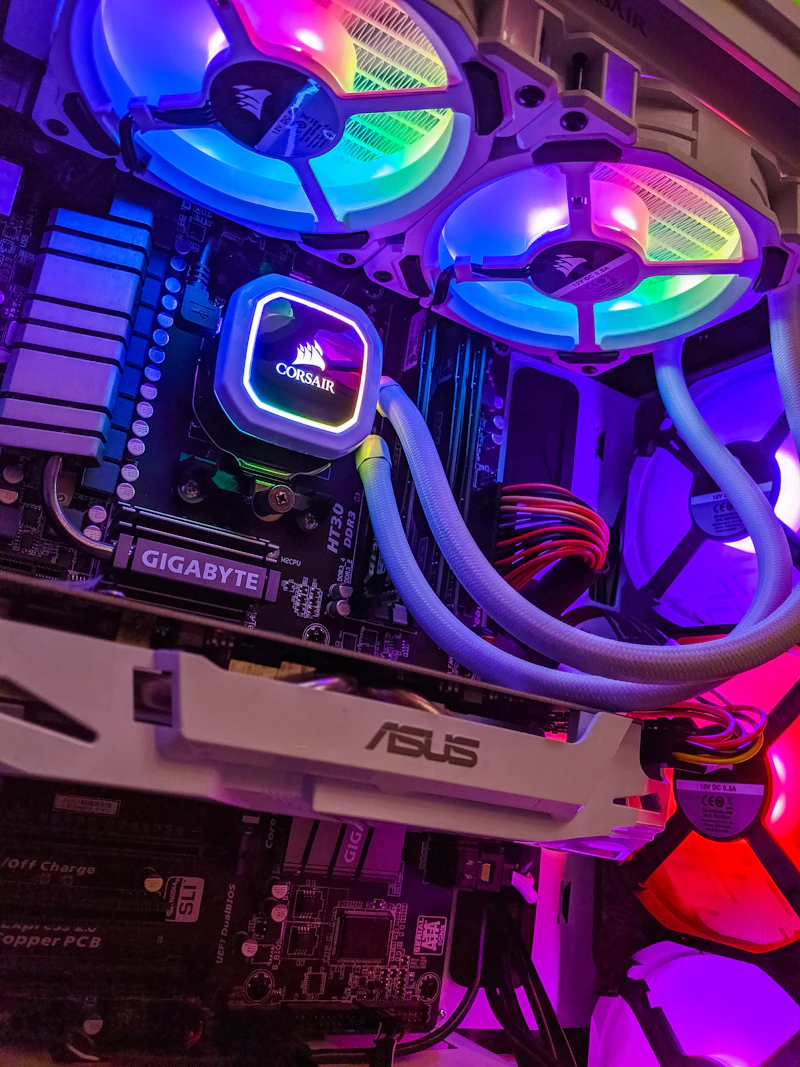
Introduction
NVMe SSDs have become the standard for primary storage in desktops, laptops, and servers. In 2026, PCIe 5.0 drives deliver staggering speeds exceeding 12,000 MB/s, while PCIe 4.0 drives offer incredible value at mature price points. This guide reviews the best NVMe SSDs for every use case and budget.
Best NVMe SSDs at a Glance
| SSD | Interface | Sequential Read | Capacity | Price (1TB) | Best For |
|---|---|---|---|---|---|
| Samsung 990 EVO Plus | PCIe 5.0 | 10,000 MB/s | 1-4TB | $110 | Overall best |
| WD Black SN850X | PCIe 4.0 | 7,300 MB/s | 1-4TB | $80 | Best value gaming |
| Crucial T705 | PCIe 5.0 | 12,400 MB/s | 1-4TB | $140 | Fastest |
| Samsung 990 Pro | PCIe 4.0 | 7,450 MB/s | 1-4TB | $85 | Best PCIe 4.0 |
| SK Hynix P41 Platinum | PCIe 4.0 | 7,000 MB/s | 500GB-2TB | $75 | Best for laptops |
| Kingston KC3000 | PCIe 4.0 | 7,000 MB/s | 512GB-4TB | $70 | Budget performance |
| WD Blue SN580 | PCIe 4.0 | 4,150 MB/s | 250GB-2TB | $50 | Best budget |
| Sabrent Rocket 5 | PCIe 5.0 | 10,000 MB/s | 1-4TB | $120 | Alt PCIe 5.0 |
Detailed Reviews
Samsung 990 EVO Plus — Best Overall
Samsung's latest mainstream PCIe 5.0 drive delivers:
- Sequential read/write: 10,000 / 9,000 MB/s
- Random 4K: Excellent IOPS for real-world responsiveness
- Endurance: 600 TBW per TB
- Power efficiency: Optimized for laptops with low idle power
- Samsung Magician: Excellent management software
- 5-year warranty
Why it's #1: Best balance of speed, reliability, efficiency, and software support. Samsung's V-NAND and controller engineering remain industry-leading.
WD Black SN850X — Best Value for Gaming
Still one of the best PCIe 4.0 drives:
- Sequential read/write: 7,300 / 6,600 MB/s
- 4TB option available (rare at this price)
- Game Mode 2.0 firmware optimization
- PS5 compatible with heatsink version
- Excellent sustained performance under heavy writes
At ~$80/TB, it's hard to justify PCIe 5.0's premium for most gamers.
Crucial T705 — Fastest Drive Available
For those who need maximum throughput:
- Sequential read/write: 12,400 / 11,800 MB/s
- Micron 232-layer NAND
- Comes with or without included heatsink
- Runs hot: Heatsink strongly recommended
- Best for large file transfers, video editing, professional workloads
Samsung 990 Pro — Best PCIe 4.0
The gold standard PCIe 4.0 drive:
- Sequential read/write: 7,450 / 6,900 MB/s
- Outstanding random performance
- Low power consumption
- Excellent controller thermals (no throttling without heatsink)
- RGB option available (990 Pro with heatsink)
SK Hynix P41 Platinum — Best for Laptops
Optimized for mobile use:
- Sequential read/write: 7,000 / 6,500 MB/s
- Industry-leading power efficiency: Up to 50% less power than competitors
- Low operating temperature
- Excellent 4K random performance
- Extends laptop battery life measurably
WD Blue SN580 — Best Budget
For those who just need reliable, fast-enough storage:
- Sequential read/write: 4,150 / 4,150 MB/s
- DRAMless: Uses HMB (Host Memory Buffer) — keeps cost down with minimal performance impact
- Excellent value: ~$50/TB
- Low power: Good for laptops
- Perfectly fast for OS boot, app loading, and general use
PCIe 5.0 vs PCIe 4.0: Is the Upgrade Worth It?
Sequential Speed Comparison
- PCIe 4.0: Up to ~7,500 MB/s
- PCIe 5.0: Up to ~12,400 MB/s
Real-World Difference
Here's the truth: most users won't notice the difference in daily use.
| Task | PCIe 4.0 | PCIe 5.0 | Difference |
|---|---|---|---|
| Windows boot | 8 sec | 7 sec | Negligible |
| Game loading | 3-5 sec | 2-4 sec | Minimal |
| App launch | Near instant | Near instant | None |
| 50GB file copy | 8 sec | 5 sec | Noticeable |
| Video export (4K) | Varies | Varies | Modest |
When PCIe 5.0 matters:
- Large file transfers (video production, scientific data)
- Heavy database workloads
- Virtual machine disk I/O
- Professional content creation with multi-stream 8K video
When PCIe 4.0 is fine:
- Gaming, general computing, office work
- Programming and development
- Photo editing
- Most professional workflows
Price-to-Performance
PCIe 5.0 drives cost 30-50% more per TB. For most users, that premium is better spent on more capacity at PCIe 4.0 speeds.
Key Specifications Explained
Sequential Speed
Maximum throughput for large consecutive reads/writes. Matters for large file transfers but not everyday responsiveness.
Random 4K IOPS
The most important real-world metric. Measures how quickly the drive handles small, random read/write operations — which is what your OS, apps, and games actually do 99% of the time.
Top drives achieve 1.5-2 million IOPS in 4K random reads.
TBW (Terabytes Written)
Endurance rating — how much data you can write over the drive's lifetime:
- 300-600 TBW per TB is standard for consumer NVMe drives
- A typical user writes 10-30 TB/year
- Even the lowest-endurance drives will last 10+ years for most users
DRAM vs DRAMless
- DRAM cache: Stores the mapping table in fast DRAM — better sustained performance
- DRAMless (HMB): Uses a portion of system RAM — cheaper, slightly slower under extreme sustained writes
- For most consumers, DRAMless drives are perfectly fine
Controller
The brain of the SSD:
- Samsung Elpis / Pascal: Best thermal management
- Phison E26: Powers most third-party PCIe 5.0 drives
- Silicon Motion SM2264: Competitive alternative
- WD in-house: Used in WD Black drives
Form Factors
M.2 2280
The standard form factor (22mm wide, 80mm long). Fits virtually all modern motherboards and laptops.
M.2 2230
Shorter form factor used in:
- Steam Deck, ROG Ally, handheld gaming PCs
- Surface devices
- Some ultrabooks
- PS5 (with adapter)
2230 recommendation: WD SN770M or Samsung 990 EVO (2230 variant)
M.2 2242
Rare, used in some Lenovo ThinkPads and compact devices.
Buying Recommendations by Use Case
Gaming PC
- Best: WD Black SN850X 2TB ($150)
- Budget: Kingston KC3000 1TB ($70)
- PCIe 5.0 offers negligible gaming benefit — save money for GPU
Content Creation / Video Editing
- Best: Samsung 990 EVO Plus 2TB ($200) or Crucial T705 2TB ($250)
- Need: Fast sustained writes for video scratch disk
- Consider: Separate OS drive + scratch drive
Laptop Upgrade
- Best: SK Hynix P41 Platinum (power efficiency matters)
- Check your laptop's form factor (2280 or 2230) before buying
- Important: Verify your laptop supports NVMe (some budget models use SATA M.2)
Home Server / NAS
- Boot drive: Any reliable 500GB NVMe
- Cache: Samsung 990 Pro or SK Hynix P41 for mixed read/write cache
- Endurance matters more than peak speed for NAS cache
Budget Build
- WD Blue SN580 1TB ($50): Reliable, fast enough, affordable
- A cheap SSD is still ~50x faster than an HDD for OS responsiveness
Conclusion
The best NVMe SSD in 2026 for most people is a high-quality PCIe 4.0 drive like the Samsung 990 Pro or WD Black SN850X. They offer excellent performance at mature prices, and the real-world difference from PCIe 5.0 is minimal for typical workloads.
If you handle large files professionally, the Samsung 990 EVO Plus or Crucial T705 justify their premium. If budget is the priority, the WD Blue SN580 delivers everything most users need at a fraction of the cost.
Bottom line: Storage is the best upgrade you can make to any computer. Even the cheapest NVMe SSD on this list will transform a sluggish system.
Related Reading
관련 글
Self-Hosting vs Cloud — Which Is Actually Cheaper in 2026?
2월 20일 · 8 min read
GPUsRTX 5090 vs RTX 4090 — Benchmark Comparison and Upgrade Guide
2월 20일 · 8 min read
AI ToolsAI Coding Assistants Comparison 2026 — Copilot vs Cursor vs Claude Code
2월 20일 · 8 min read
Electric VehiclesElectric Vehicle Buying Guide 2026 — Everything You Need to Know
2월 20일 · 7 min read